*This post may contain affiliate links for which I earn commissions.*
A quiet corner, two windows, and a workspace that finally felt right.
After experimenting with different desk arrangements over the years, I kept coming back to the same conclusion: the corner layout simply works better for the way I use my home office. It makes efficient use of space, provides plenty of natural light, and creates a comfortable place to focus throughout the day.
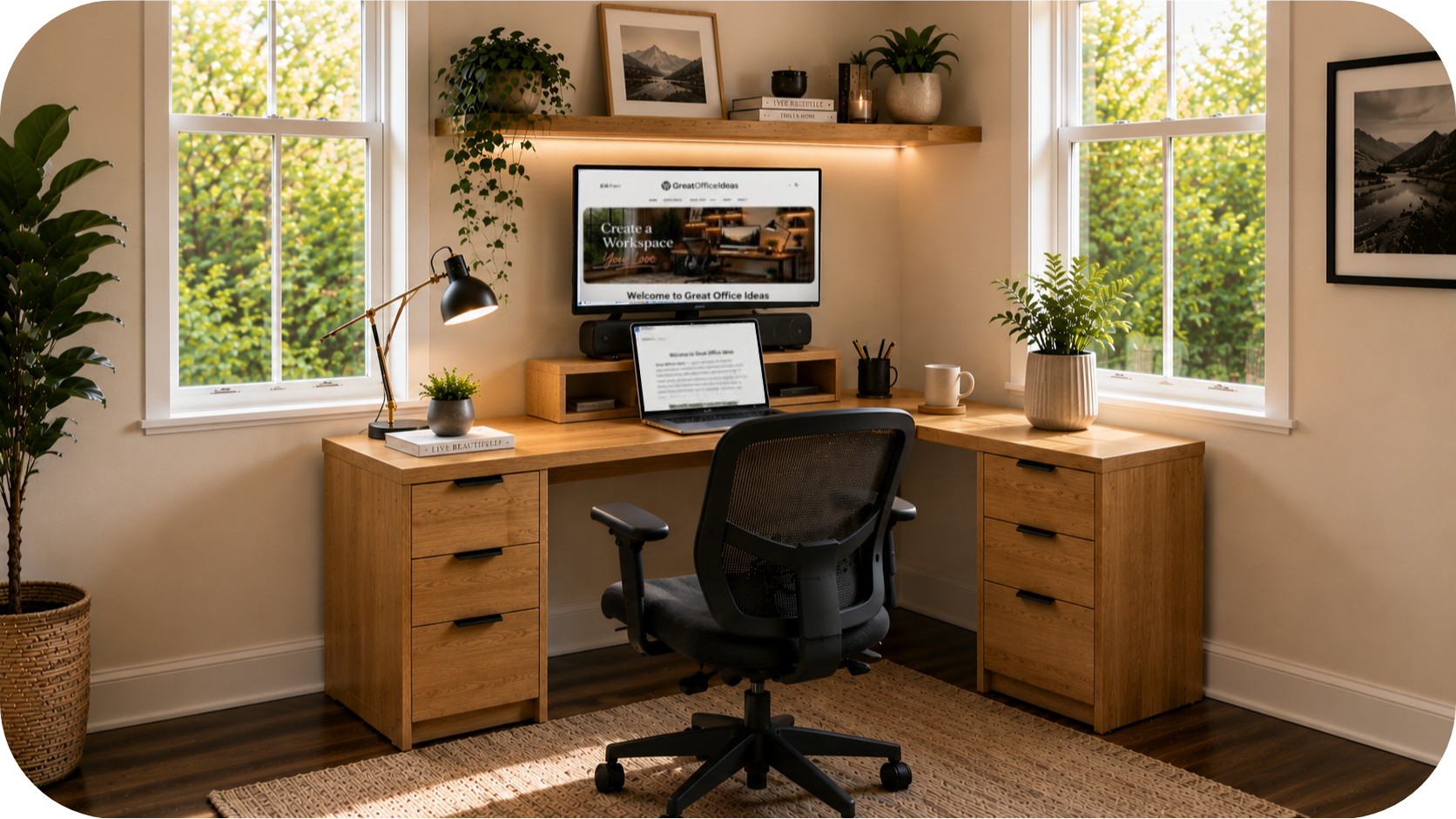
The image above is a visual representation of the setup I chose. What I particularly like is that it doesn’t require a custom-built desk or expensive office furniture. The workspace is created using simple components that can be adapted to different room sizes, budgets, and needs.
The Design Direction
This workspace combines warm oak tones, soft natural light, and clean lines to create a cozy workspace that feels open and inviting. A simple desktop resting on two drawer cabinets makes efficient use of the corner while maintaining plenty of open floor space.
Large windows bring in natural light from two directions, helping the room feel brighter and more spacious. Plants soften the straight lines of the furniture, while the floating shelf adds storage and visual interest without making the room feel crowded. The overall palette remains light, warm, and airy, making it easy to spend long hours working without the space feeling heavy or cluttered.
Why This Works
The layout makes excellent use of a small footprint while creating a workspace that feels larger than it actually is.
Style Sparks
Use an underutilized corner to create a dedicated work zone without sacrificing the rest of the room.
Position the desk near windows whenever possible to take advantage of natural light throughout the day.
Build the workspace using two drawer cabinets and a desktop to create a custom look that’s surprisingly easy to recreate.
Add a floating shelf above the desk to create vertical storage while keeping the work surface clear.
Use a larger external monitor for previews, research, or reference material while working on a laptop below.
Keep desktop accessories minimal so the room feels open and uncluttered.
Add one larger plant rather than several small plants to create a stronger visual focal point.
Choose warm wood tones to balance the technology in the space.
Leave open floor space around the desk to maintain an airy feel.
Layer task lighting and ambient lighting to create a comfortable atmosphere during evening work sessions.
Use a monitor riser or monitor shelf to improve viewing comfort while creating additional storage space underneath.
Why This Works
Using separate drawer cabinets and a desktop creates a flexible workspace that looks custom while remaining easy to recreate and adapt.
Why I Prefer Two Screens
One of the most useful parts of this setup is the dual-screen workflow.
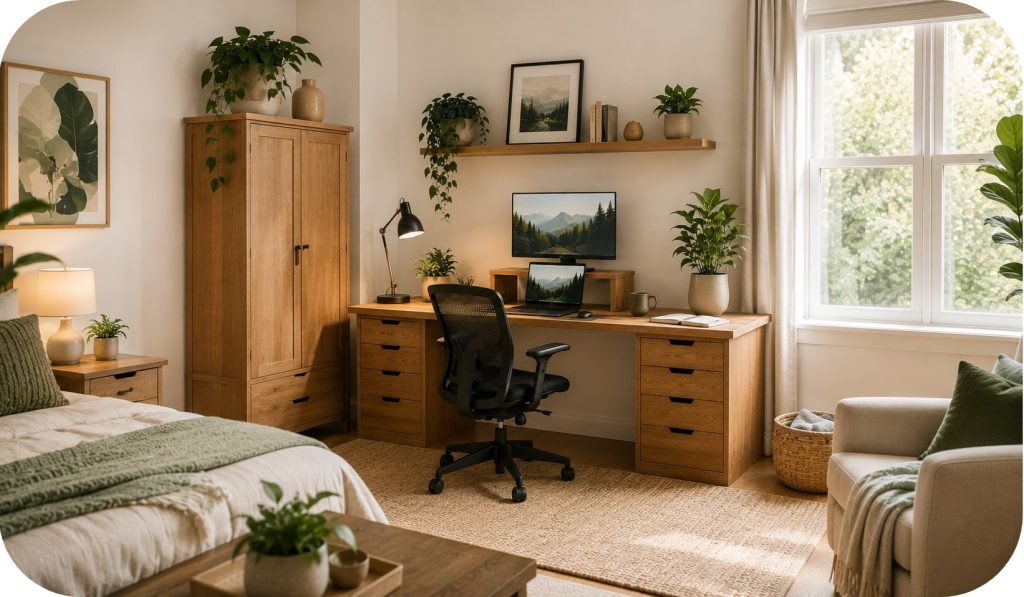
The laptop acts as the primary work screen while the larger monitor handles previews, research, images, and website pages. When working on Great Office Ideas, I often edit content on the laptop while viewing the live website on the larger monitor.
Instead of constantly switching tabs, both screens remain visible. Writing feels smoother, editing is faster, and it’s much easier to compare changes as they’re being made.
It’s one of those upgrades that doesn’t seem important until you start using it every day.
Why This Works
Having two screens reduces interruptions and helps maintain focus during longer work sessions.
A Few Helpful Picks
A monitor riser creates a more comfortable viewing height while providing useful storage space underneath.
A warm LED desk lamp adds focused lighting without creating glare on screens.
A large ceramic planter introduces natural texture and helps balance the technology in the workspace.
Product Suggestions


Make It Feel Intentional
Keep cables hidden whenever possible.
Use matching wood tones for the desktop, shelves, and drawer cabinets.
Leave some empty space on shelves instead of filling every inch.
Add one statement plant to create visual balance.
Use warm lighting rather than relying only on overhead fixtures.
Choose neutral colors for larger pieces and introduce color through accessories.
Keep frequently used items within easy reach.
Allow natural light to remain the focal point of the room.
Products That Help You Get This Look
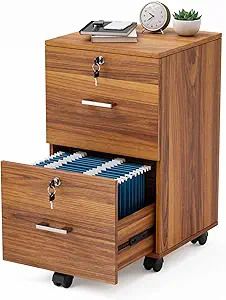
Look for sturdy drawer cabinets in warm wood tones with clean lines and generous storage. They provide both organization and the foundation for a custom-looking workstation.
Choose a durable desktop between 60 and 72 inches wide depending on your available space. A simple wood top creates a clean, cohesive appearance. You could even have one custom made to fit your personal style!
A monitor riser improves screen height while creating valuable storage space underneath for small accessories and devices.
Choose breathable fabric or mesh upholstery with adjustable support features. Comfort becomes increasingly important during longer workdays.
A simple wood shelf provides display and storage space without consuming valuable floor area.
Look for adjustable brightness and warm color temperatures that support both productivity and comfort.
A substantial planter creates a visual focal point while introducing natural texture and greenery.
Simple trays, clips, and sleeves help maintain the clean appearance that makes this layout so appealing.
Reducing cable clutter supports the organized, airy feel of the workspace.
A soft woven rug helps define the office zone while adding texture and comfort underfoot.
Product Suggestions


The desktop and drawer units aren’t what make this layout successful.
What makes it work is the combination of the corner placement, natural light, floating shelf, dual-screen workflow, and thoughtful details that support both comfort and productivity.
In fact, one of the biggest advantages of this setup is its simplicity. Two drawer cabinets and a desktop create a workspace that looks custom while remaining easy to build, modify, and upgrade over time.
If you have an unused corner in your home, start there. Sometimes the best workspace isn’t created by adding more furniture. It’s created by arranging the space you already have in a smarter way.